MOGGED languages and subtitles
Sixteen interface languages ship at launch with subtitles in all of them, but full audio exists in English only — Simplified and Traditional Chinese are text-only.
The short version
The store page carries a full language table behind the line "See all 16 supported languages". Sixteen languages get the interface and subtitles, and exactly one of them — English — gets full audio.
| Interface | Subtitles | Full audio | |
|---|---|---|---|
| English | ✔ | ✔ | ✔ |
| French | ✔ | ✔ | — |
| Italian | ✔ | ✔ | — |
| German | ✔ | ✔ | — |
| Spanish (Spain) | ✔ | ✔ | — |
| Spanish (Latin America) | ✔ | ✔ | — |
| Portuguese (Brazil) | ✔ | ✔ | — |
| Japanese | ✔ | ✔ | — |
| Korean | ✔ | ✔ | — |
| Polish | ✔ | ✔ | — |
| Russian | ✔ | ✔ | — |
| Simplified Chinese | ✔ | ✔ | — |
| Traditional Chinese | ✔ | ✔ | — |
| Turkish | ✔ | ✔ | — |
| Ukrainian | ✔ | ✔ | — |
| Vietnamese | ✔ | ✔ | — |
Checked against the Steam store page on 2026-10-01.
What full audio in English only actually costs you
MOGGED is a spoken game. The threat reads the room out loud, the door man negotiates, and proximity voice chat means your lobby is talking constantly — so the studio-recorded voice work is English-only, while text covers everyone else.
In practice:
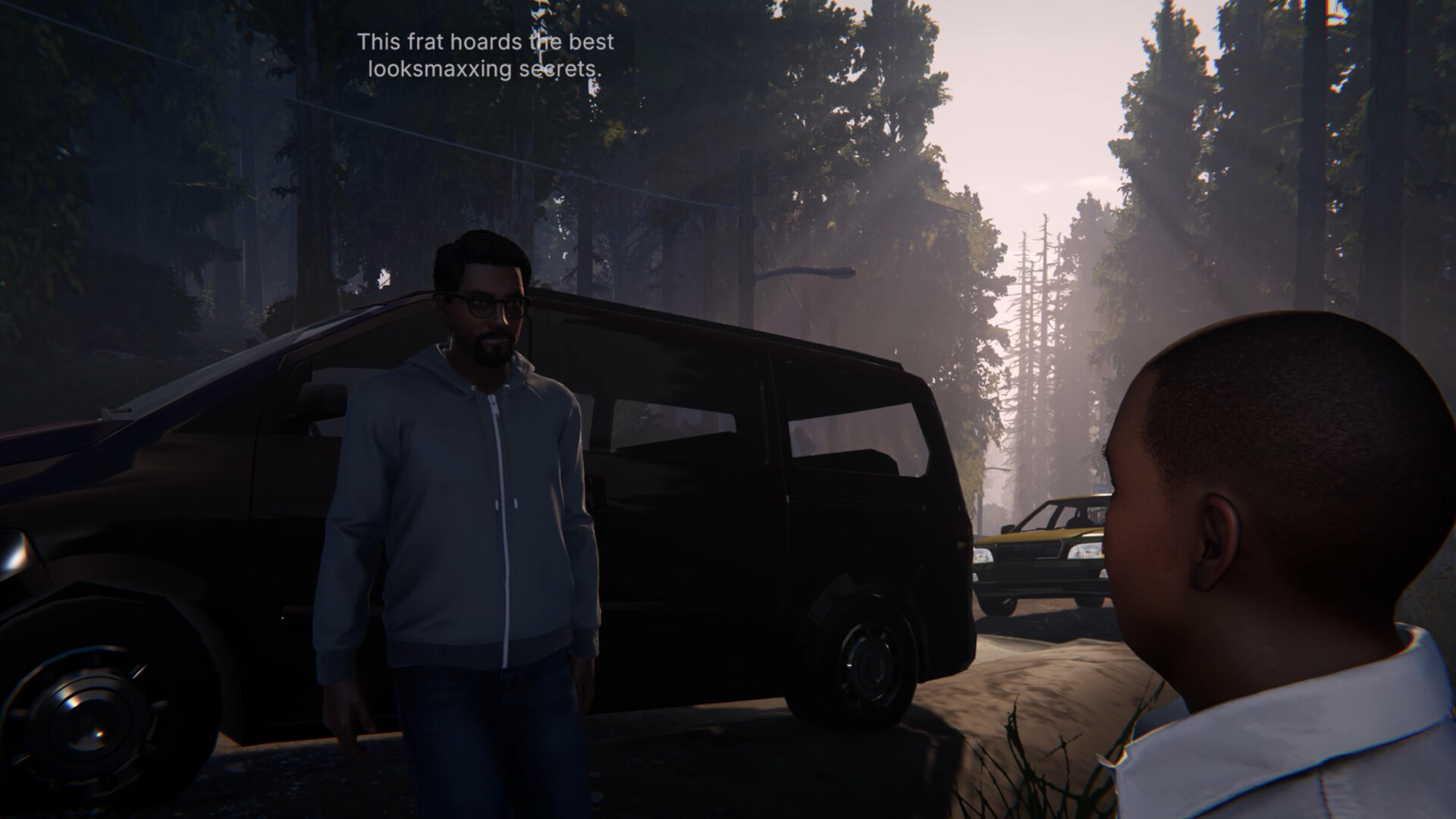
- Cutscenes and NPC lines will be in English with translated subtitles in all sixteen languages.
- Player voice chat is never translated. Proximity voice carries whatever language your lobby speaks, which is a feature rather than a limitation — the bouncer does not care what language you are panicking in.
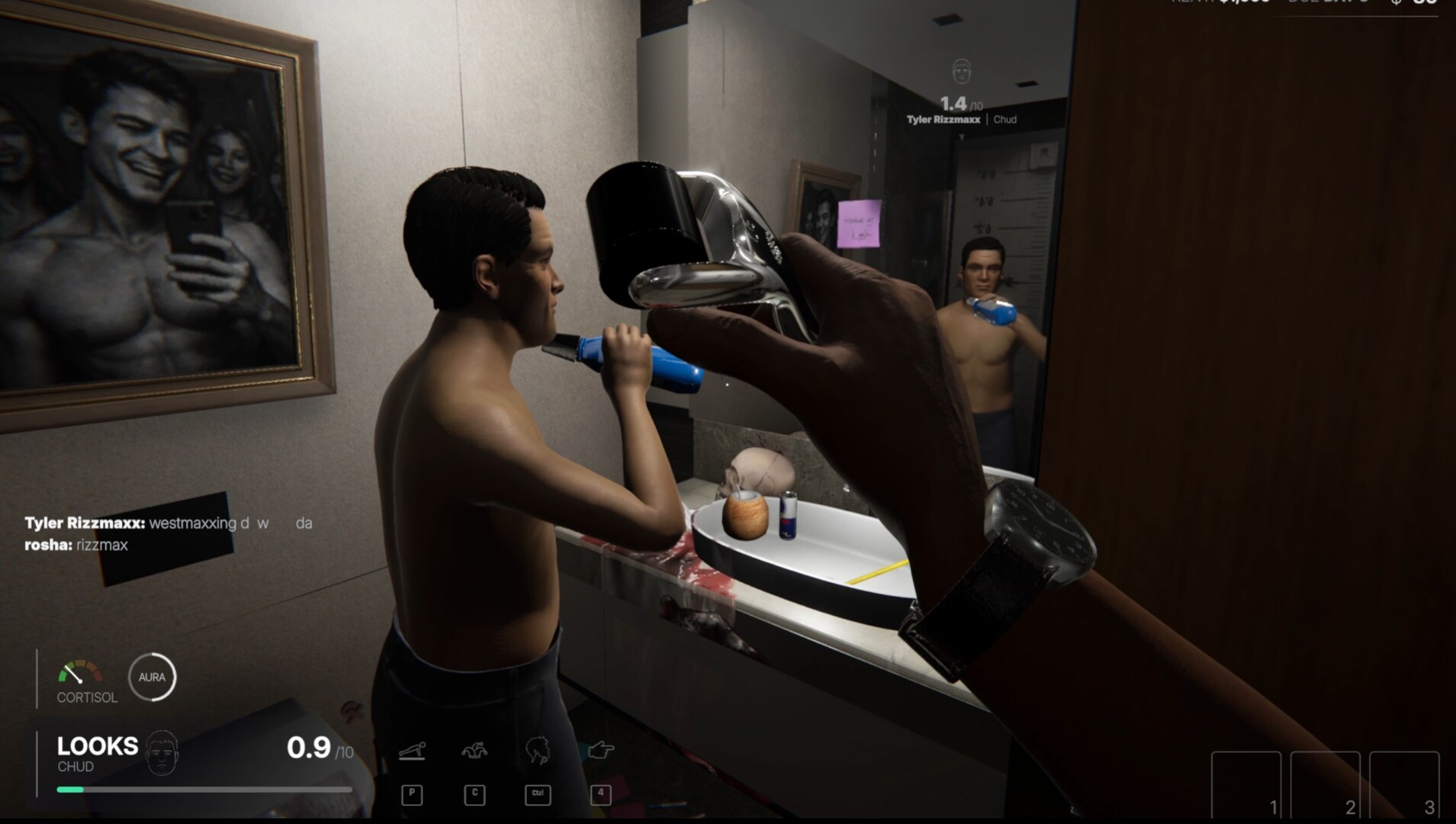
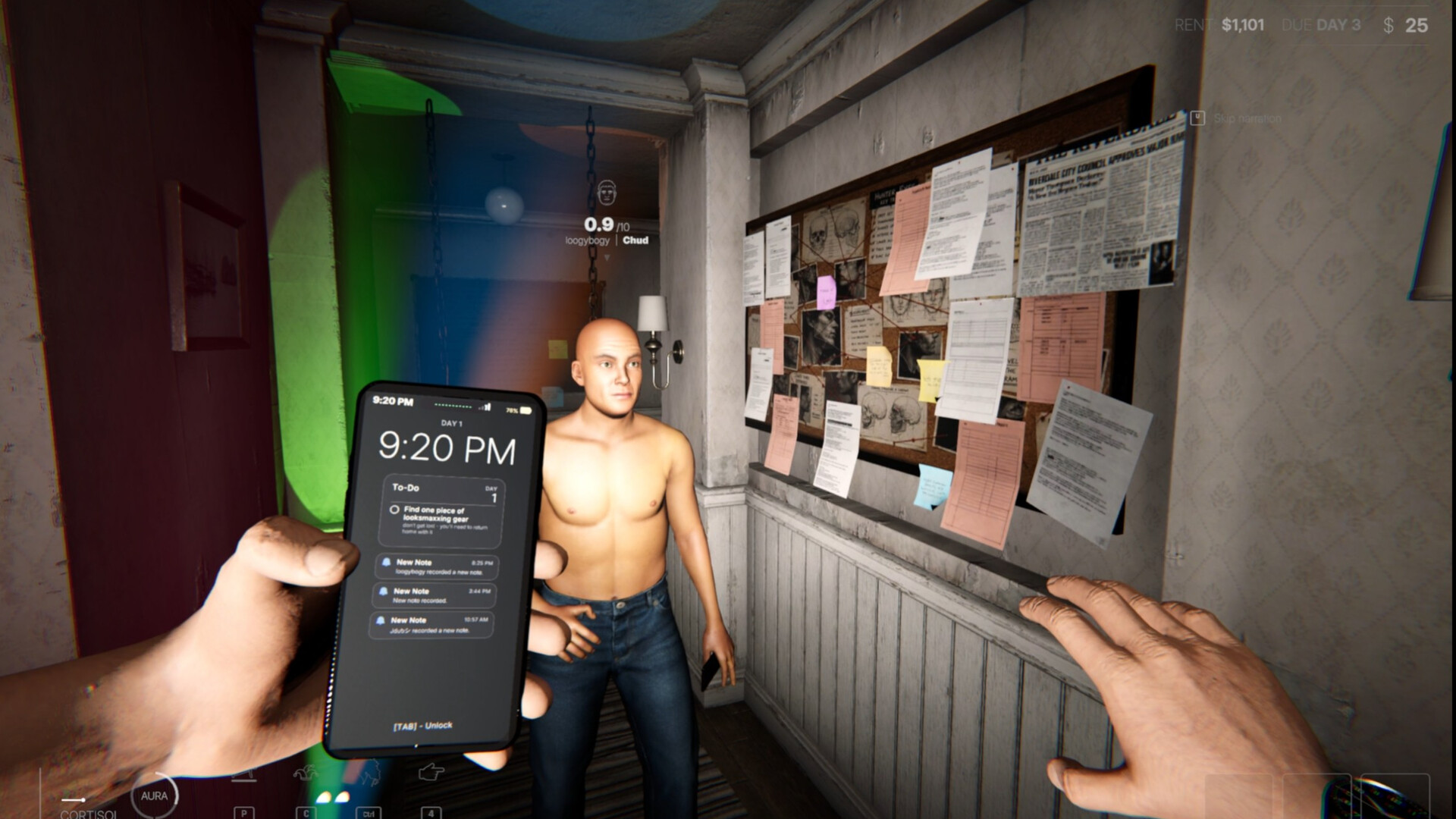
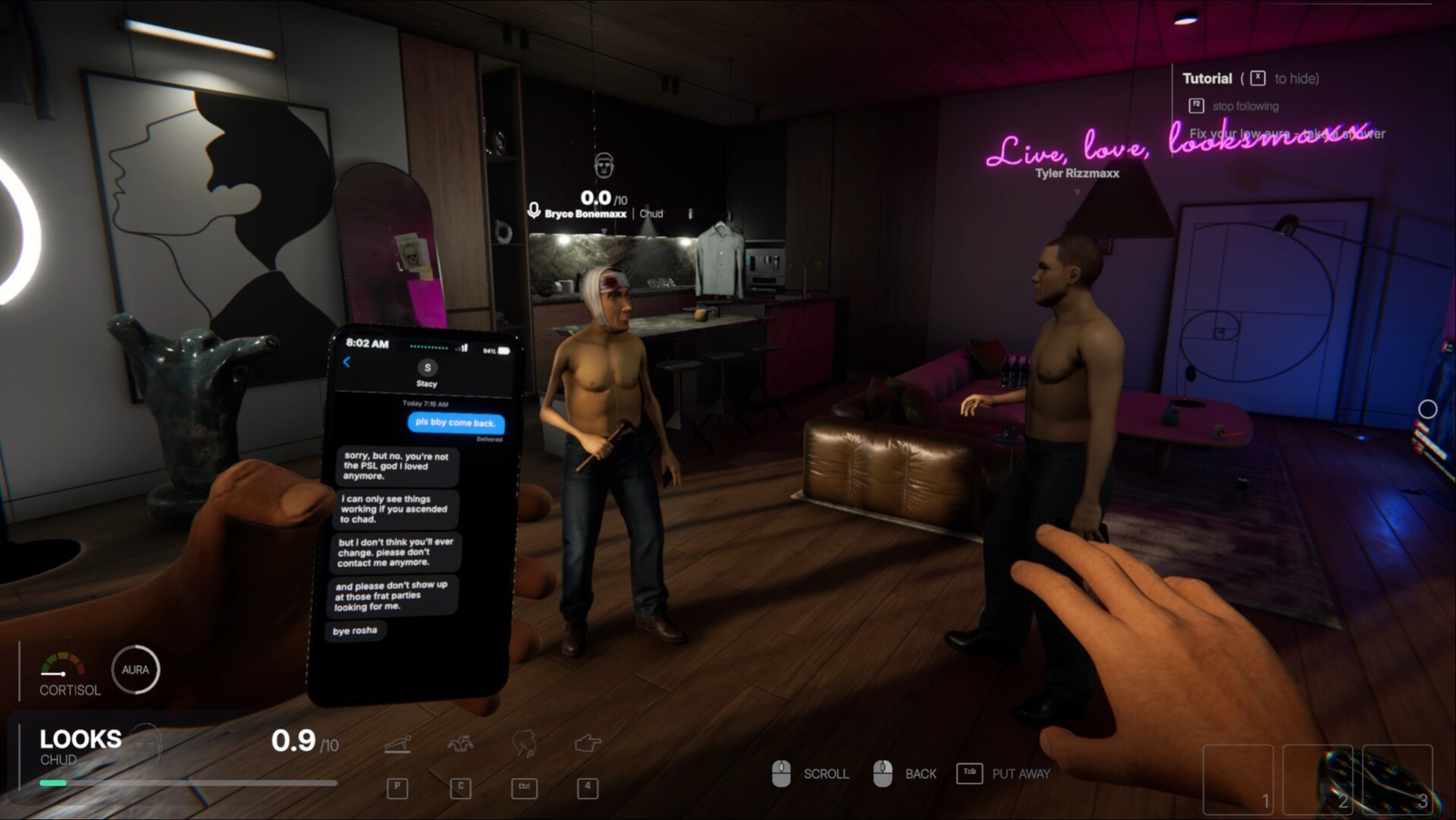
- Menus, item names and HUD text are fully localized, including the gauges and the rent line you will be reading under pressure.
Do the game's two Chinese versions work?
Yes for text: Simplified Chinese and Traditional Chinese both appear with interface and subtitles. Neither has full audio, so expect English voices with Chinese subtitles. If you are buying specifically for Chinese text, the store page's table is the confirmation — no separate announcement is needed.
Changing the language
Steam sets language per-install: right-click the game in your library → Properties → Language. The game reads that value on launch, so switching mid-save is safe but requires a restart.
Early Access and localization
Localization is on the developer's own roadmap: the Early Access additions list includes "accessibility and localization options" among the things being worked on during the 3–6 month window. That means the sixteen-language table is the launch state, not necessarily the final one — the Early Access page tracks what is scheduled.
Next steps
- Check the release date and price for the rest of the launch details.
- Make sure your PC passes the system requirements — including the microphone.
- Read the FAQ for the one-line answers.